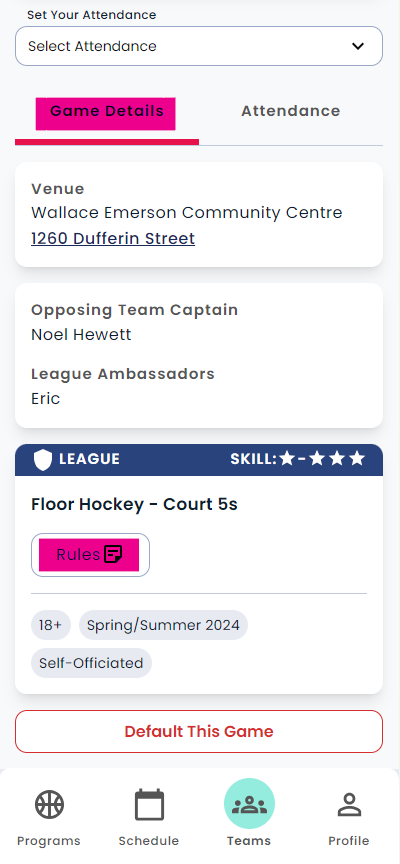

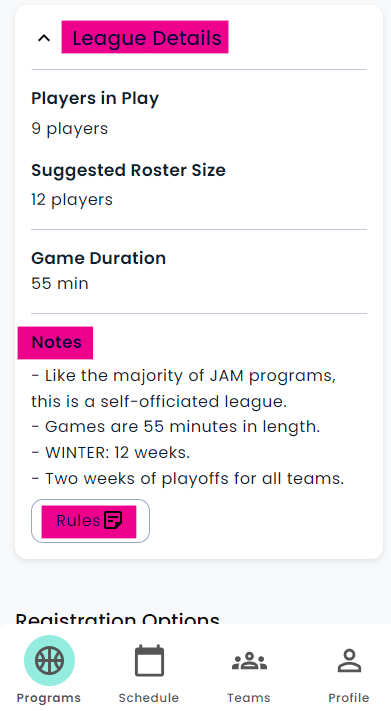
Before Schedules Are Posted:
In the Notes section of the League Details page.
Go to our "Programs" page
Select the league you are interested in
Click on the league "card"
Select "League Details"
You should find a "Rules" option in the "Notes" section
After Schedules Are Posted:
In the game details section of your schedule page.
Click on your "Schedule" tab
Click on the game card
Under the "Game Details" tab
Scroll to the league "card" at the bottom of the screen
Select "Rules" (as highlighted in the image below)