
Captains and co-captains can access and use the tool by following these steps:
Log into your JAM Sports profile at https://jamsports.com/login
Select the team you want to communicate from in your profile.
Select the game date from the schedule that you need to communicate with the other team on.
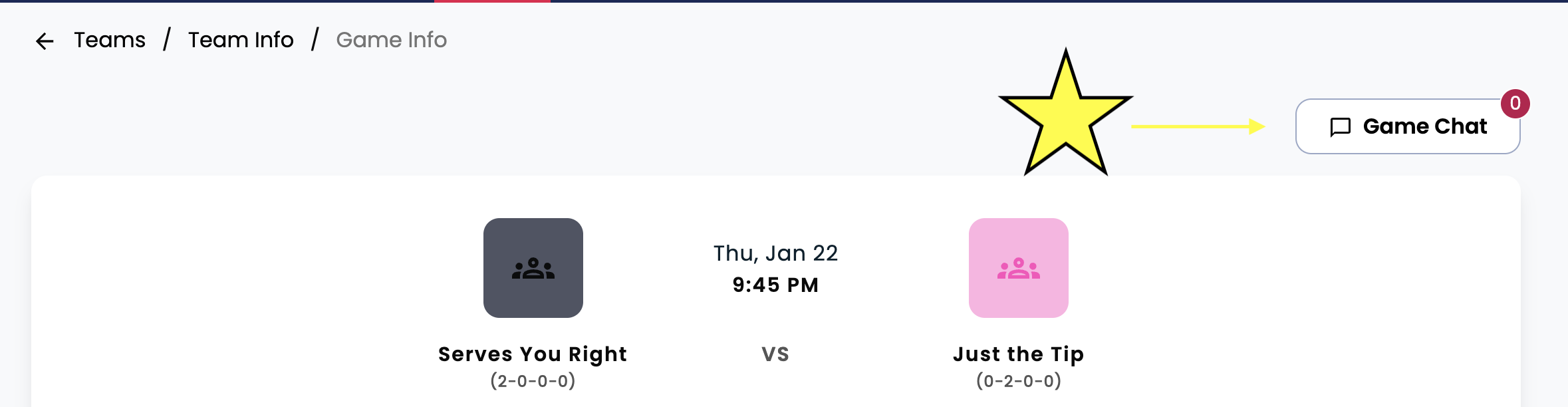
Click the "Game Chat" button to start the conversation.
As a reminder, this does not go to the entire roster of the opposing team, just captains and co-captains.