
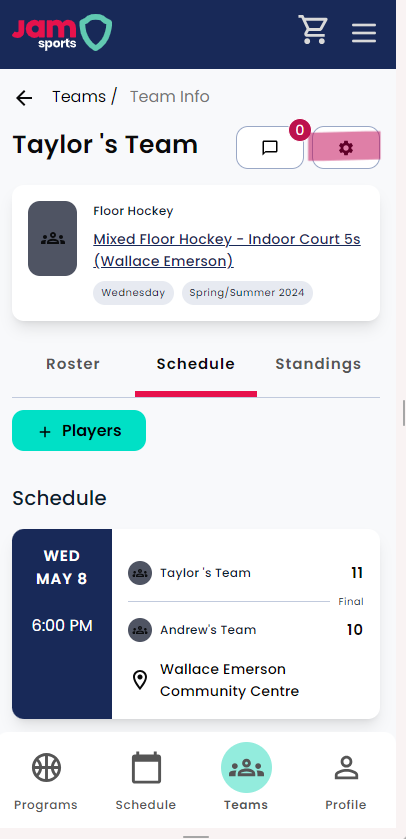
To access the team "settings" option, you will need to be listed either as Captain or Assistant Captain on your roster. If that is the case, you should be able to view the "settings" option by clicking to your team page. This is found in the top right corner, as highlighted in the image below.
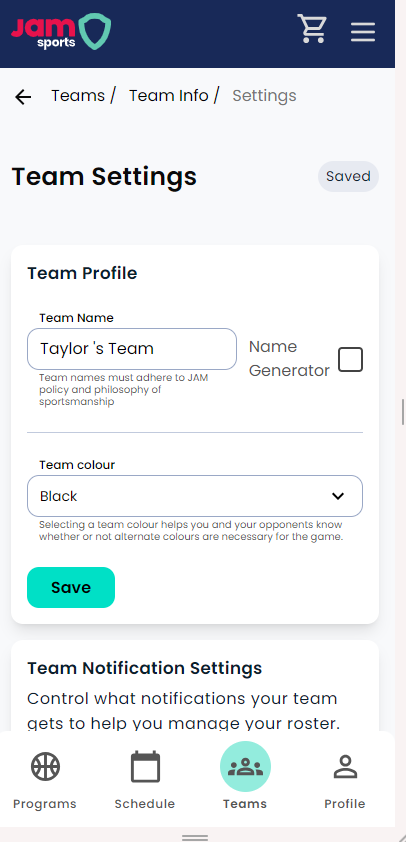
From here, you will be able to adjust team notification settings, input your team shirt colour, and change you team name. Once these are updated, be sure to select "save" to ensure that settings are updated accordingly.