To find programs near you, here's what you need to do:
Go to jamsports.com.
Navigate to the Programs option in the website header.
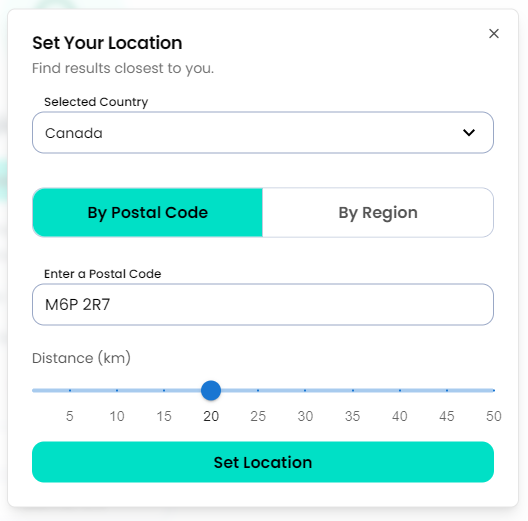
Browse by location by entering your postal/ZIP code and setting a search distance or browse by city/club by choosing the By Region location option. Remember, once you have a jam sports profile you can use it to play in any JAM Sports city.
Once you have Set Location, browse all the programs that match your preferences.
You can then view program and league details by selecting the specific options you are interested in by scrolling down, or you can use the filter tool on the right side of the page narrowing things down by sport, day, and location.
If you are looking for something outside of the cities/clubs listed above, follow the links on the Programs page to find our other regional websites.
If you don't see what you're looking for or would like to see a new sport or activity added, feel free to drop an email to play@jamsports.com and the team there will be happy to assist.