
Please follow these steps:
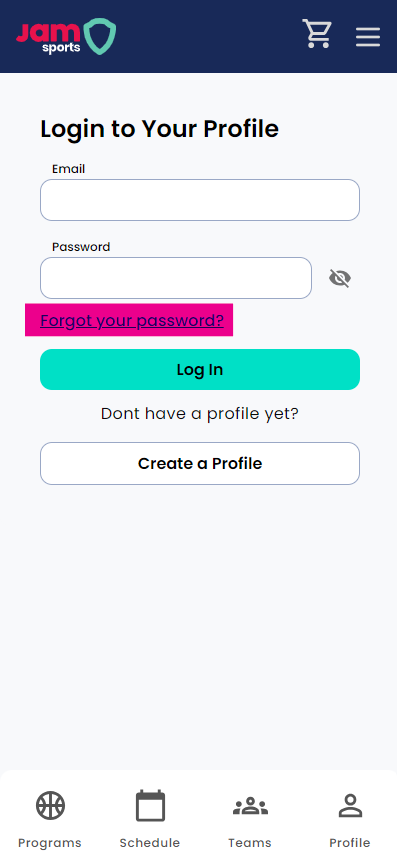
On mobile, click the top right hand corner menu and click on the “Login” button or the “Profile” button at the bottom right hand corner.
On desktop, at the top right hand corner click on the “Login” button
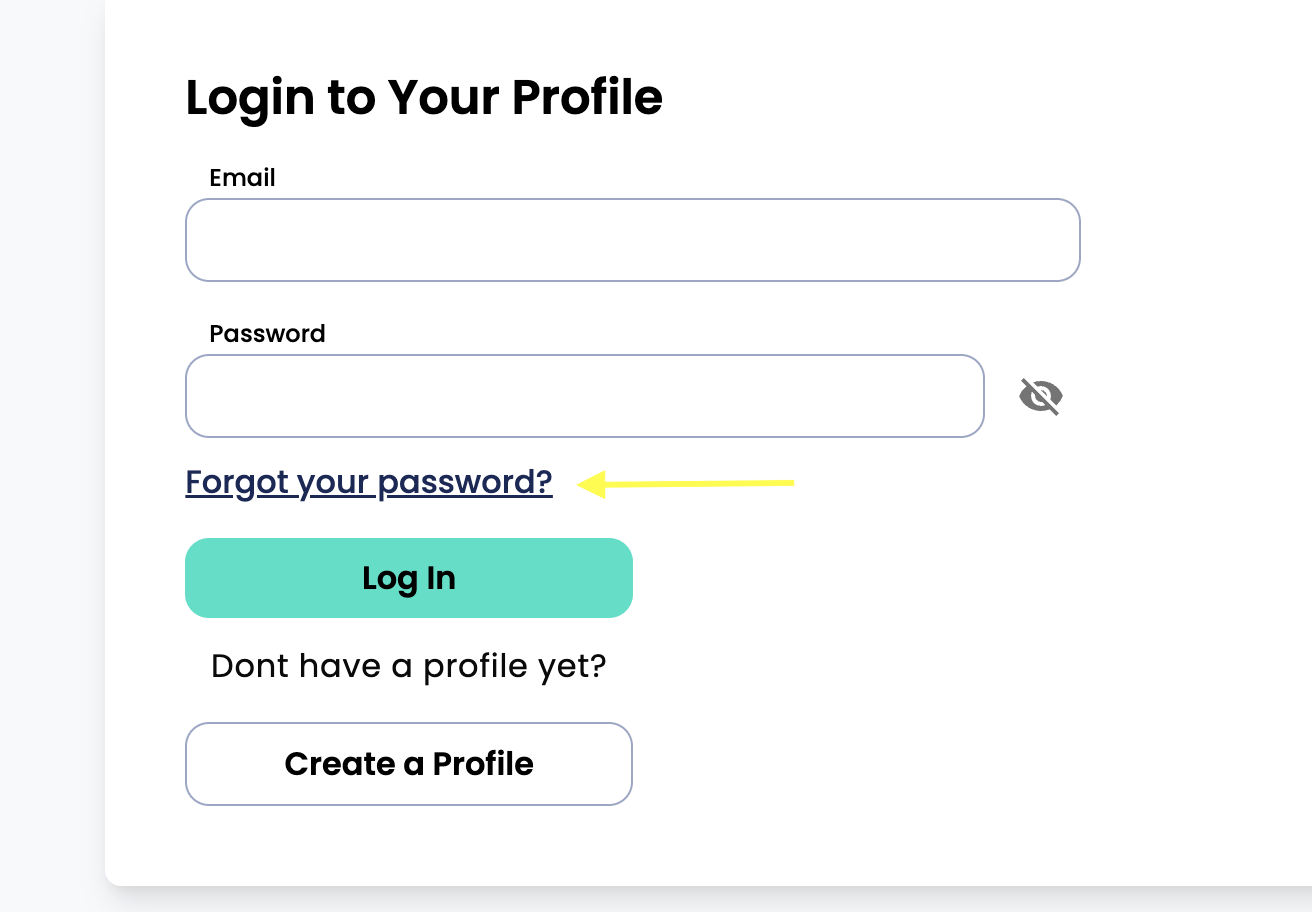
From there, you will find the "forgot your password" link. (Have a look the image or video below)
Follow the prompts provided there and verify this change through the email you will receive to the email on your JAM Sports player profile.
If you have not received the password reset email, please make sure to check your spam and or junk folders of your email service.
If you continue to have issues resetting your password, just reach out to play@jamsports.com.
Pro tip: it's always best practice to store passwords for websites in a password saver tool to make logging in easier and more secure.
Mobile:
Desktop: